Videos and camera flights
Moving footage from the same model: an orbit around the house, a walk through the rooms, the day moving into blue hour. Eight seconds per segment, longer flights assembled from them.
In short
A VEDUTUM architectural video is an eight-second camera move between two viewpoints of your checked model, delivered as an MP4 without sound. You set start and end, and a video model computes the move. Several segments can be joined into a longer film without re-encoding, so no quality is lost. A segment costs twelve points in HD, twenty-four in 2K and twenty-nine in 4K, in 720p or Full HD.
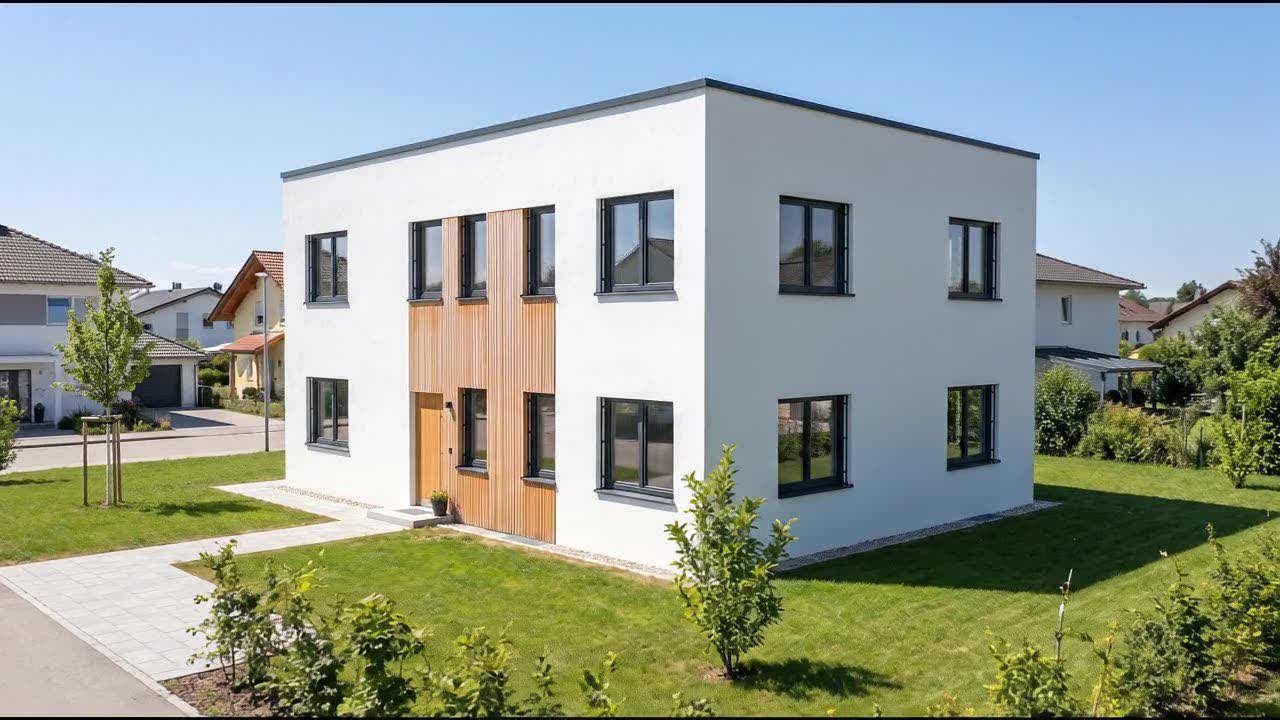
Daylight 06:00 to 21:30
Key facts
Length
One segment is eight seconds, and longer films are joined from several segments.
Format
Clips are MP4 with H.264 encoding and no sound.
Cost
A segment costs twelve points in HD, twenty-four in 2K and twenty-nine in 4K.
Resolution
Clips are 720p at the HD and 2K levels and Full HD at the 4K level.
Basis
Every clip starts from two viewpoints of your checked model.
Which camera moves can I choose?
Orbit
The camera walks around the corner at eye level. Shows proportion and depth better than any still.
Interior walk
From the first room into the next, along the sequence of rooms in the plan.
Daylight
Fixed viewpoint, moving light: from afternoon into blue hour, calculated for the site.
360° turnaround
Twelve images around the building that the client turns on the share page like a model.
How long can an architectural video be?
One segment is eight seconds, which is usually enough for a website, a submission or a post. Need more? Compute several segments and join them: the parts are concatenated without re-encoding, so nothing is lost. Four segments make a good half minute.
Every clip is compressed after the run: around eleven megabytes for eight seconds become roughly two and a half, with no visible loss. That is the difference between a project page that loads at once and one that keeps the client waiting.
How do you make an architectural video from a model?
Check the model
A clip is only as good as the geometry under it.
Set the viewpoints
Start and end of the move, from the cameras of your model.
Choose a level and start
Points and estimated duration are on the button.
Join or share
Assemble segments into a film or show the clip on the project page.
Frequently asked questions
How much does an architectural video cost?
Twelve points per segment in HD, twenty-four in 2K and twenty-nine in 4K. A new account has 90 points for 30 days to try it out, with no payment details.
How long is a clip?
Eight seconds per segment. Longer flights are assembled from several segments, joined without re-encoding.
Can I make a film longer than eight seconds?
Yes. Compute several segments and join them; four segments make a good half minute.
What format are the videos?
MP4 with H.264 encoding, playable in all common browsers, phones, presentation tools and video platforms.
Do the videos have sound?
No. Add music or narration in an editing tool, where the music rights also belong.
What do I need to start a video?
A checked model, either a floor plan read in the browser or an uploaded glTF or GLB. You set the start and end viewpoint and the clip is computed from them.
More detail is available in German: Videos and camera flights (Deutsch)
Next step
How long do you wait for an image today?
Send us a model from a current project, as IFC or GLB. We show you in a video call what VEDUTUM makes of it.
30 days free with 90 points · no payment details · account in one minute